Show a Canvas in a Shortcut
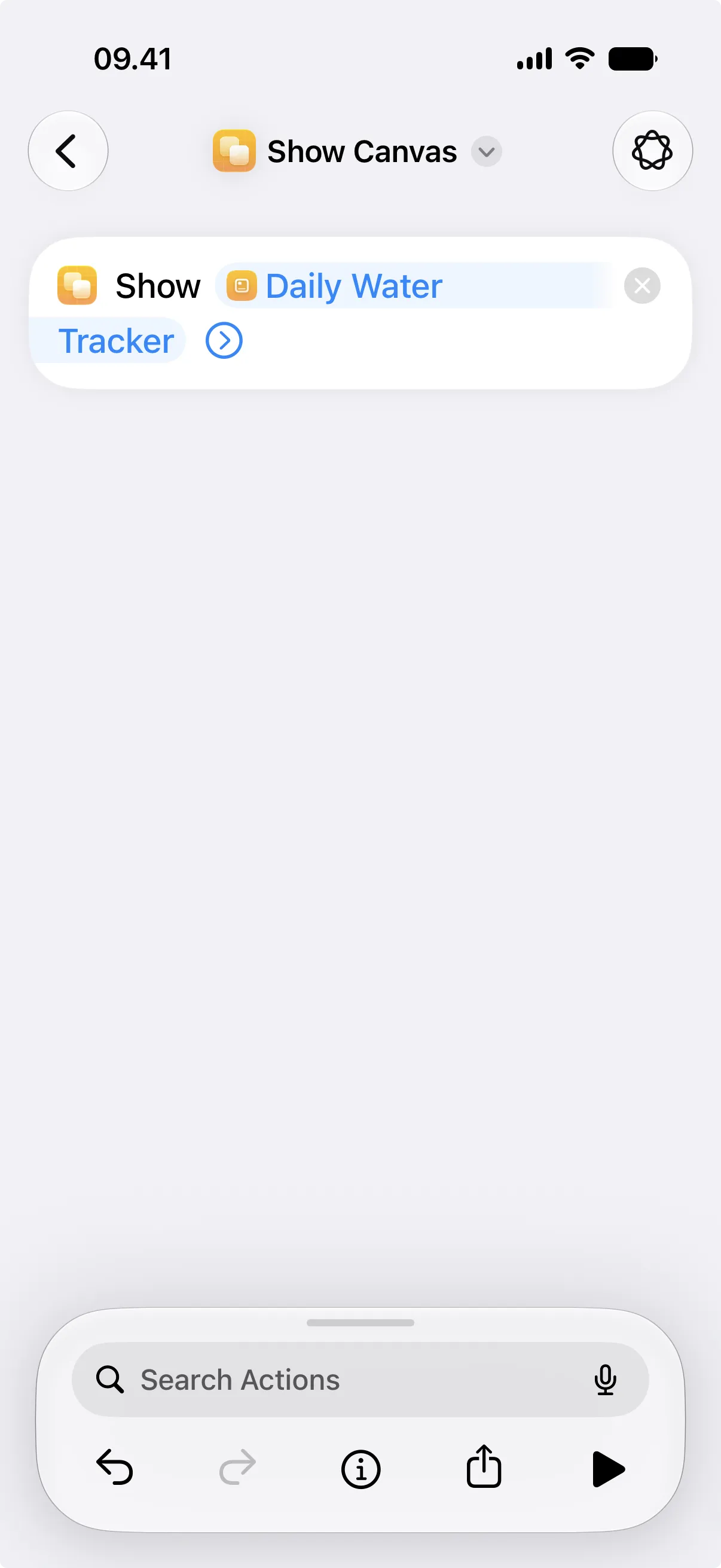
You can show a canvas directly inside a shortcut. Use this when you want a compact visual result without opening Canvases and without placing the canvas on the Home Screen.
Think of it as a designed result screen for a shortcut. The shortcut gathers or calculates something, Canvases turns it into a small visual summary, and Shortcuts shows it at the end.
You might use it to show a dashboard after gathering data, display a confirmation after a shortcut updates something, preview a canvas that is also used as a widget, or present a designed result instead of plain Shortcuts text.