
Text
A text view is for labels, values, dates, and short messages in a canvas.
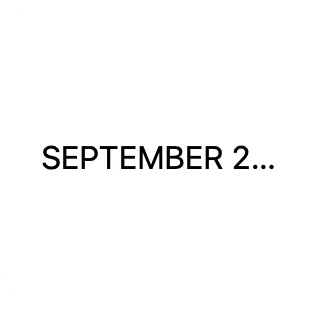
Text can change length over time, especially when it comes from Shortcuts. Use Minimum Scale and Line Limit to control what happens when space is tight.
Limit Lines
Section titled “Limit Lines”Line Limit controls how many lines the text can use. 1 keeps text on one line. 0 means no line limit.
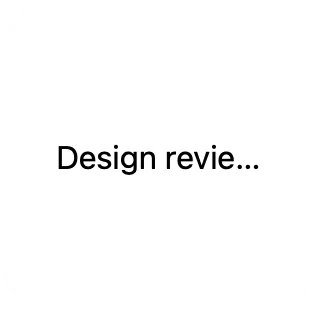
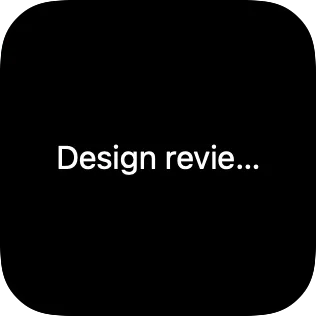
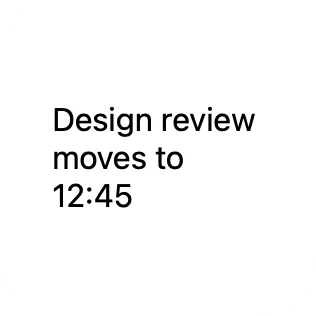
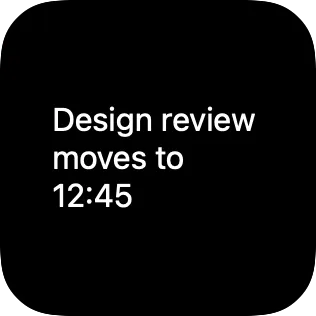
If text still does not fit after line limits are applied, the extra text is clipped by the view’s available space.
Scale Long Text
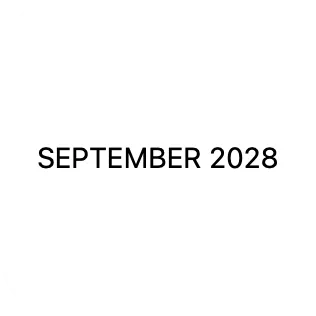
Section titled “Scale Long Text”Minimum Scale lets text shrink when the frame is too small. 100 means no shrinking. Smaller percentages allow more shrinking.

Align Multiline Text
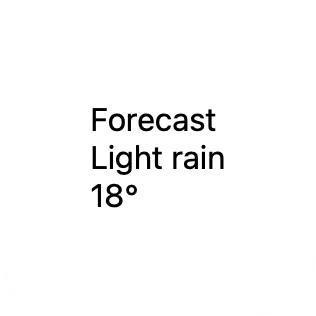
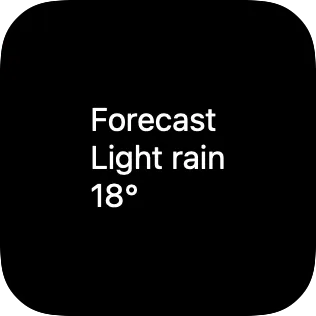
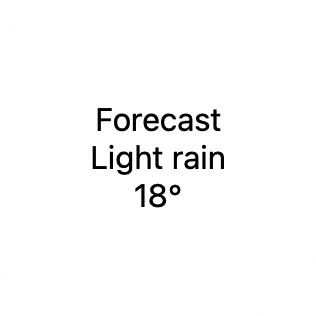
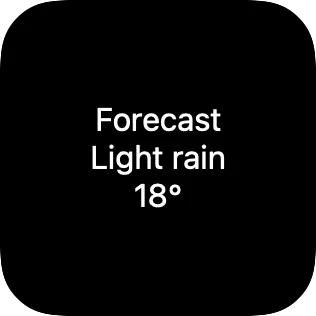
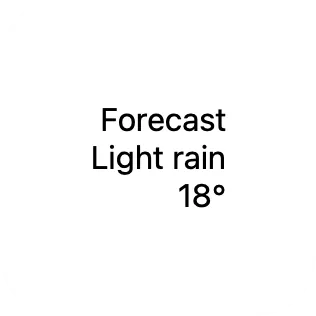
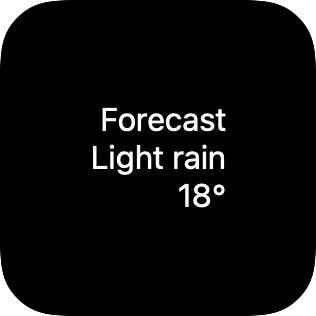
Section titled “Align Multiline Text”Multiline Text Alignment affects wrapped text and text with manual line breaks. It has no visible effect when the text uses only one line.
Properties
Section titled “Properties”Identity
Section titled “Identity”| Property | Description |
|---|---|
| ID | Identifies the view so you can find it in the canvas and modify it with Shortcuts actions. Keep it stable for automations. |
| Visible | Hides the view without deleting it. Hidden views are not shown, but they stay in the canvas. |
Content
Section titled “Content”| Property | Description |
|---|---|
| Text | Sets the displayed text. |
| Font | Sets size, weight, and style. |
| Color | Sets the text color. |
| Multiline Text Alignment | Aligns text across multiple lines. |
| Minimum Scale | Sets how small text may shrink when space is tight. 100 means no shrinking. Smaller percentages allow more shrinking. |
| Line Limit | Limits how many lines the text can use. 1 keeps compact labels on one line. 0 means no limit. |
Layout
Section titled “Layout”| Property | Description |
|---|---|
| Frame | Controls size and alignment. |
| Offset | Moves the view visually with an offset. |
| Padding | Adds padding. |
Appearance
Section titled “Appearance”| Property | Description |
|---|---|
| Opacity | Sets transparency from 0 to 100. |
| Background | Adds a background. |
| Shadow | Adds a shadow. |
| Clip Shape | Clips the view to a shape. |
| Border | Adds a border. |