Progress
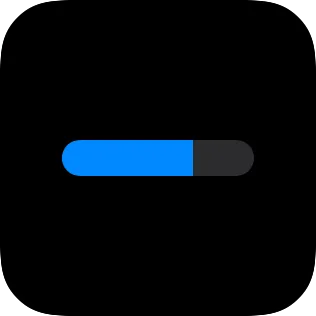
A progress view shows completion, levels, goals, and similar values. It can be a ring or a bar.
Use progress when the view represents a measured value. If the view does not represent a measured value, use shape instead.
Progress Range
Section titled “Progress Range”Progress uses a 0 to 100 range. 0 is empty, and 100 is complete. Values below 0 render as empty. Values above 100 render as complete.
In Shortcuts, pass the same 0 to 100 value. Do not pass a normalized 0 to 1 value.
These examples use the same 0 to 100 range:
| Source value | Progress value |
|---|---|
| Battery at 87% | 87 |
| Goal 35% complete | 35 |
| Reading 60% done | 60 |
Choose a Progress Style
Section titled “Choose a Progress Style”Style chooses circular or linear progress. Thickness applies to circular progress. Linear progress uses the height of the view’s frame.
The track is the unfilled background line or ring. The progress color is the filled part that shows the current value.





Properties
Section titled “Properties”Identity
Section titled “Identity”| Property | Description |
|---|---|
| ID | Identifies the view so you can find it in the canvas and modify it with Shortcuts actions. Keep it stable for automations. |
| Visible | Hides the view without deleting it. Hidden views are not shown, but they stay in the canvas. |
Progress
Section titled “Progress”| Property | Description |
|---|---|
| Progress | Sets the progress value. 0 is empty and 100 is complete. |
| Track Color | Sets the unfilled track color. |
| Progress Color | Sets the filled color that shows the current value. |
| Property | Description |
|---|---|
| Style | Chooses circular or linear style. |
| Thickness | Sets circular ring thickness. This applies to circular style only. |
Layout
Section titled “Layout”| Property | Description |
|---|---|
| Frame | Controls size and alignment. |
| Offset | Moves the view visually with an offset. |
| Padding | Adds padding. |
Appearance
Section titled “Appearance”| Property | Description |
|---|---|
| Opacity | Sets transparency from 0 to 100. |
| Background | Adds a background. |
| Shadow | Adds a shadow. |
| Clip Shape | Clips the view to a shape. |
| Border | Adds a border. |