Skip to content

Borders

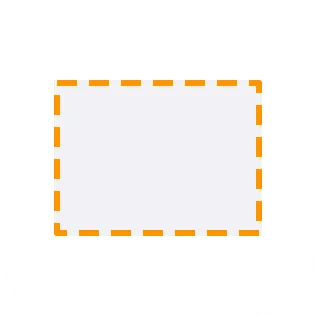
Borders draw an outline around a view. They can be solid, dashed, or dotted, and each border has a color and width.

Borders follow the view’s clip shape. For example, a rounded rectangle clip shape gives the border rounded corners too.
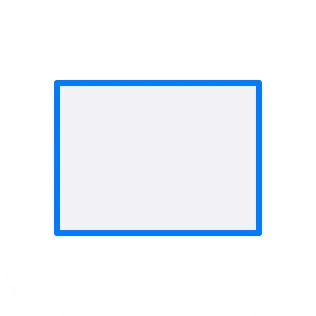
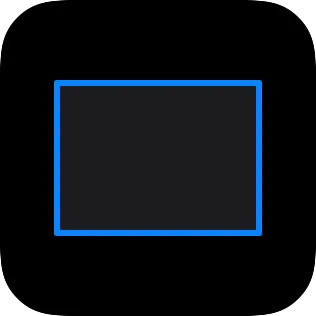
A small widget showing a solid border around a rectangular surface.A small widget showing a solid border around a rectangular surface.
Solid
A small widget showing a dashed border around a rectangular surface.A small widget showing a dashed border around a rectangular surface.
Dashed
A small widget showing a dotted border around a rectangular surface.A small widget showing a dotted border around a rectangular surface.
Dotted
A small widget showing a border following rounded corners.A small widget showing a border following rounded corners.
Follows clip shape

If a border looks square when you expected rounded corners, check the view’s clip shape.