Skip to content

Padding

Padding adds space around a view’s content.

Padding is measured in points. You can add the same padding on every side, or set top, leading, bottom, and trailing separately.

Outer containers and inner details can use different padding values.
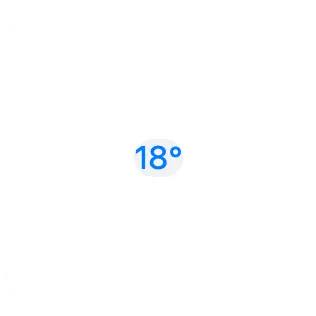
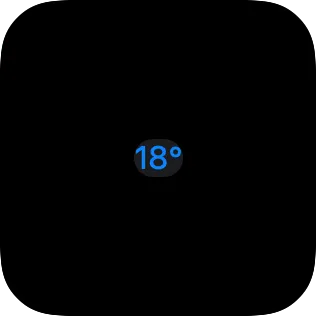
A small widget showing text with no padding around its background.A small widget showing text with no padding around its background.
No padding
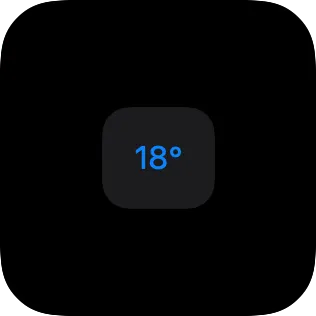
A small widget showing text with equal padding on each side of its background.A small widget showing text with equal padding on each side of its background.
Equal padding
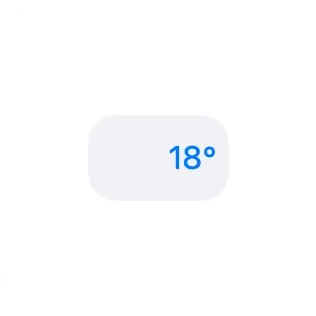
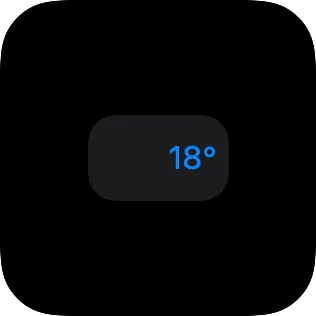
A small widget showing text with more leading padding than trailing padding.A small widget showing text with more leading padding than trailing padding.
Leading padding

Use padding instead of offset when nearby views should respect the space. Offset only moves the view visually. Padding changes the space the view needs.

Padding is part of layout. If padding grows, nearby views move to make room.