
Show Canvas
This action displays the selected canvas inside a shortcut. Choose it when a shortcut should show a visual result without opening the Canvases app.
The canvas does not have to be used as a widget. This action can be a separate way to present a view inside Shortcuts, such as showing the result of an action, displaying data on demand, or giving a shortcut a visual summary screen.
It can also be used to preview a widget-sized canvas after a shortcut updates it, but that is only one use of the action.
Shortcuts shows a preview of the selected canvas using the canvas size saved in Canvases. This action is display-only. It does not open the app, does not save an image, and does not change the canvas by itself.
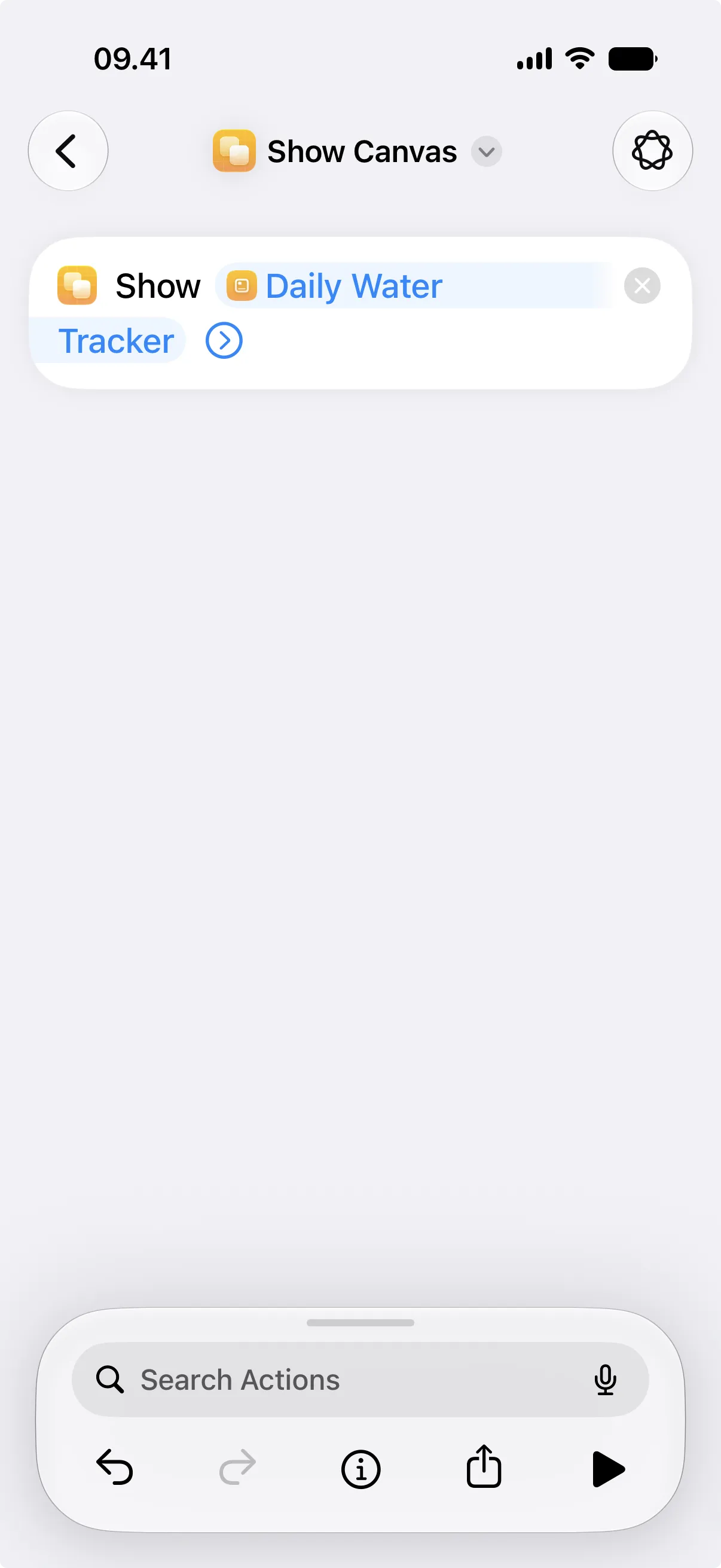
A common workflow is to use Update View one or more times, then use this action to check the updated result.
Parameters
Section titled “Parameters”| Parameter | Description |
|---|---|
| Canvas | Selects the canvas to display. |