
Spacer
A spacer creates flexible empty space inside a stack.
Use spacer to push views apart inside a stack. It helps when one item should stay near the start and another should sit near the end.
For example, a horizontal stack can use symbol, spacer, and text to keep one item near the leading edge and another near the trailing edge.
For a horizontal layout:
| Child order | View | Result |
|---|---|---|
| 1 | Symbol | Stays near the leading edge |
| 2 | Spacer | Takes the empty middle space |
| 3 | Text | Stays near the trailing edge |
The examples below use symbols and text so the empty space is visible.
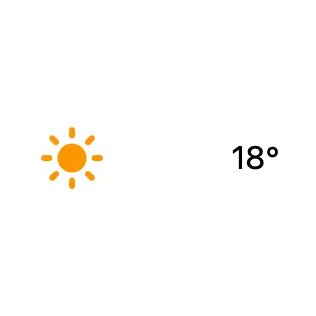
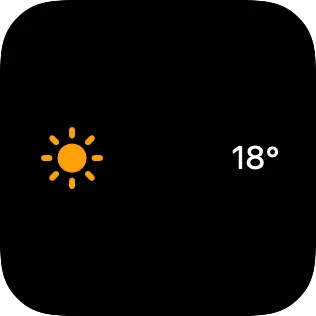
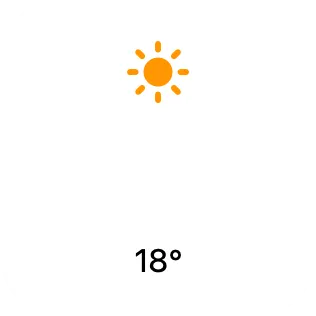
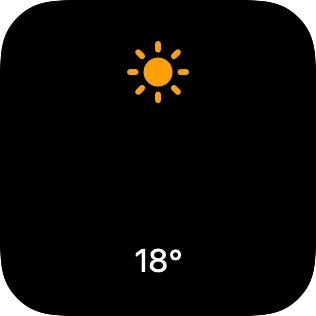
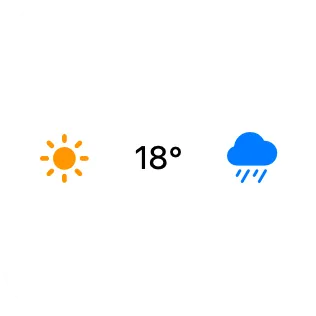

If a stack has more than one spacer, the spacers share the available empty room.
In a depth stack, a spacer does not create useful separation because child views overlap.
Use padding when you want fixed space around content instead. Padding adds space around a view. A spacer takes up available empty room between views.
Properties
Section titled “Properties”Identity
Section titled “Identity”| Property | Description |
|---|---|
| ID | Identifies the view so you can find it in the canvas and modify it with Shortcuts actions. Keep it stable for automations. |
| Visible | Hides the view without deleting it. Hidden views are not shown, but they stay in the canvas. |